Raytracing On GTX 1060 - No Optimization vs Mild Optimization vs High Optimization

Hey guys, In this video I show you what wonders optimization can do to your game! Basically, without any optimization, your games FPS can fall down to 10FPS, but with optimization, you can play at 45-60 FPS with raytracing, on a GTX 1060!


There are three levels of Optimization: 
  1. No Optimization - Raytracing is enabled everywhere, this causes severe FPS drop, down to 10FPS. 
  2. Mild Optimization - Raytracing is enabled everywhere, but lights turn off when they are not near the player. This means that Raytraced Shadows and AO do not have to be calculated, thus increasing FPS. 
  3. High Optimization - Only Raytracing methods that make a difference are enabled. So for example, if RT Ambient Occlusion makes the room look better than RT Shadows, then I just turn on RT AO and turn off every other RT method. Another thing I do is that I unload a part of the level that is not visible to the player. So when the player goes inside another room, the room that he was previously in unloads, causing a drop in RT calculations and an increase in FPS. 

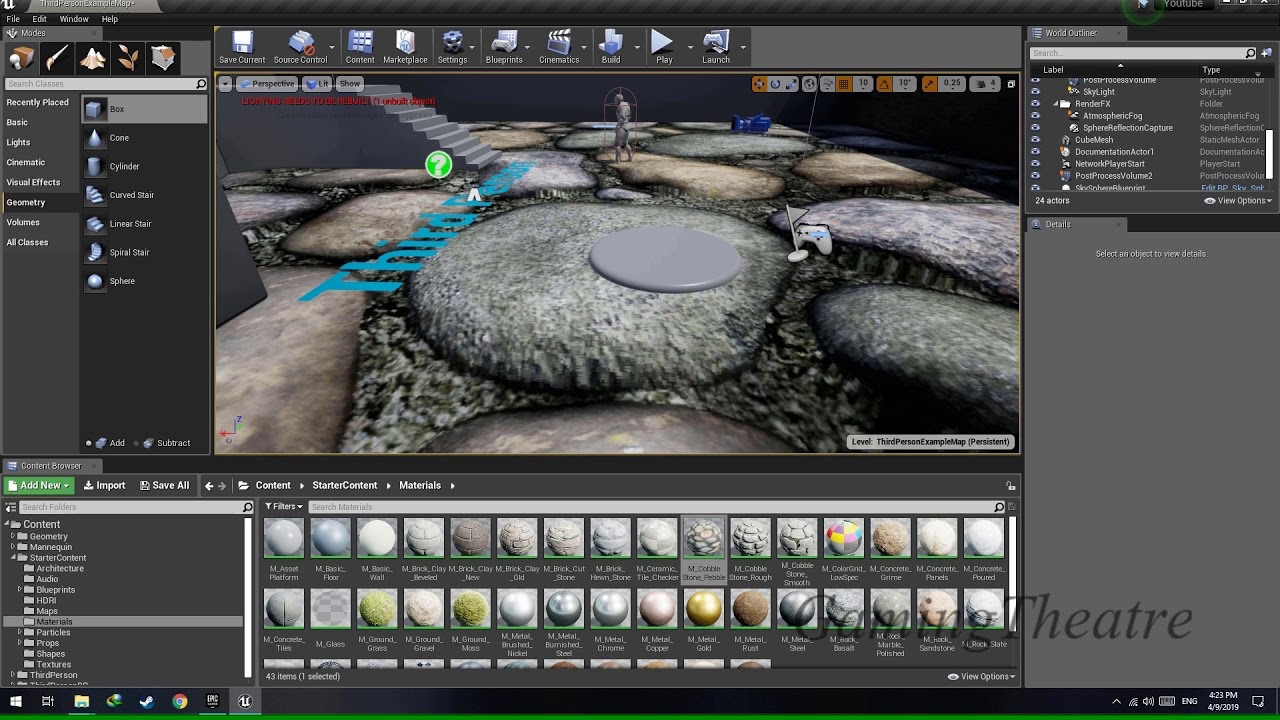
How to enable & Optimize Raytracing | UE4

Hey guys, in this tutorial, I show you how to enable Raytracing, as well as how to optimize it, as well as the different raytracing settings that you can enable, such a raytraced AO, raytraced shadows, raytraced reflections, and raytraced global illumination. I show you how to enable and disable the different raytrace settings! For more in-depth details about raytracing techniques, check out this article here:

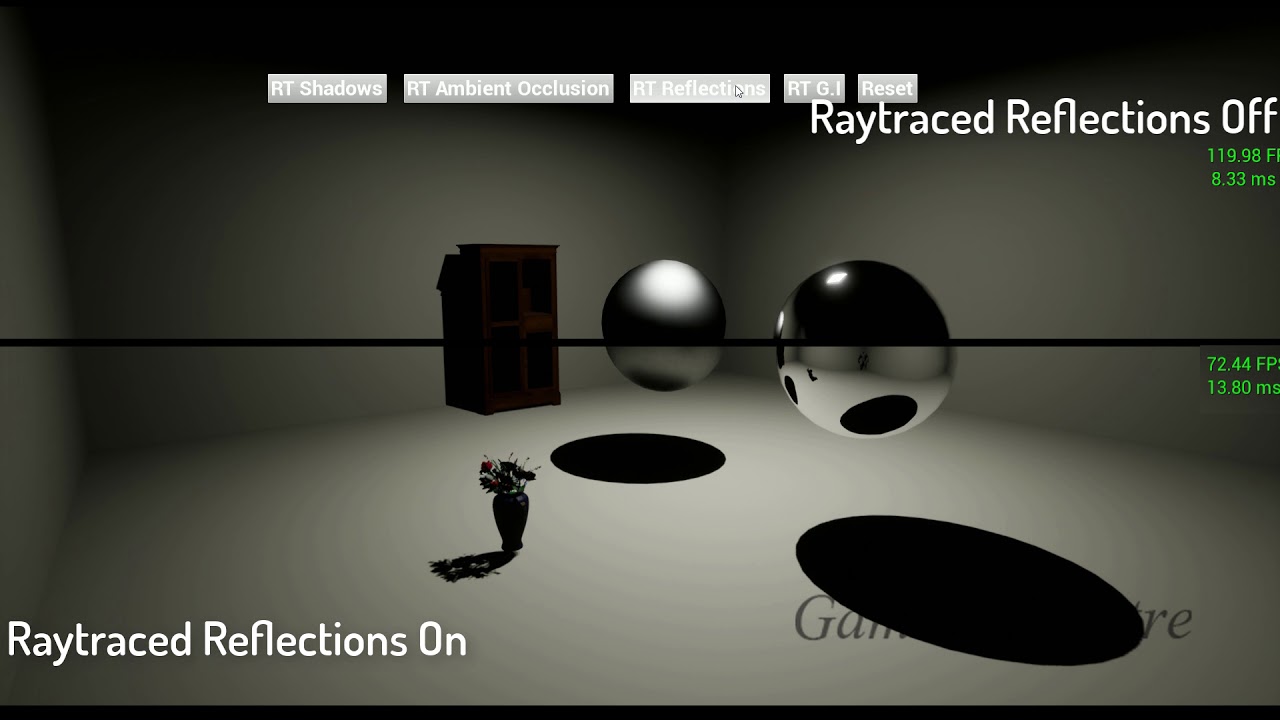
Raytracing Techniques GTX 1060 - Global Illumination vs Reflections vs Shadows vs Ambient Occlusion

Hey guys, In this video, I show you different raytracing techniques, such as Raytraced Global Illumination, Raytraced Reflections, Raytraced Shadows, and Raytraced Ambient Occlusion. I show what difference they make in terms of visual quality as well as in terms of FPS. This is all running on a GTX 1060, so FPS are quite low, and might increase with a better GPU.

----------------------------
Time Stamps:
Raytraced Shadows On: 0:11
Raytraced Shadows Off: 0:21
Raytraced Shadows On vs Off: 0:31
Raytraced Reflections On: 0:41
Raytraced Reflections Off: 0:52
Raytraced Reflections On vs Off: 1:02
Raytraced Global Illumination On: 1:12
Raytraced Global Illumination Off: 1:22
Raytraced Global Illumination On vs Off: 1:32
Raytraced Ambient Occlusion: 1:42
Traditional Ambient Occlusion: 1:52
Raytraced Ambient Occlusion vs Traditional Ambient Occlusion: 2:02
Raytraced Shadows Closeup (On): 2:12
Raytraced Shadows Closeup (Off): 2:22

For a more in-depth video, please go to this article:

Volumetric Fog And Particles | UE4

End Result Of Tutorial!
Hey guys! In this tutorial, I show you how to apply the volumetric light effect, as well as how to put some particles in your scene and where to get them! I tell you the Do's and Don'ts of setting up volumetric light, where it really shines, and how to use particle effects to really make the scene look beautiful! I hope you guys like this video!


Creating a One Way/Two Way Door BP | UE4

Hey guys! In this tutorial, I create a door that opens both ways using blueprints! In the start, I show how to make a door open automatically when the player is near the door. Then, I showed how to open the door only when the player presses use key, i.e presses "E". 

Then, I expanded on it and showed how to make the door open both ways, in case you guys wanted to create a door that opens both ways! I hope you guys will enjoy this tutorial, and please like, share and subscribe for more videos!

Creating a Basic Room - Lightning - Creating Door and Window | UE4

Hey guys! In today's tutorial, I'll create a basic room, place some props, add lightning as well as tell some tips about how to light up a small room, tell about how to subtract an area from a BSP to make a door and a Window, as well as tell about how to set up collisions, change textures on Static Meshes, and how to place actors in your scene! All assets used are already included in Unreal Engine 4!

Unreal Engine 4 - Basics - Installations, Start Up, UI

Hey guys! In this video, I tell you about the basics of Unreal Engine 4! In it, I tell all about how to download Unreal Engine, how to navigate the Epic Games Client, and the different tabs and sections present in the Epic Games Client. I then open UE4 and tell about the general UI as well as the things that UE4 can do, such as Vertex painting, Landscape Editing, Foliage Placing, and Geometry Editing! I tell about the different types of lights. I also tell about the advantages of using BSP over Static Mesh and vice versa. I tell about Blueprints and how they will help you make designing the level much easier thanks to global changing. I hope you guys liked this tutorial! Please do like, share and subscribe!